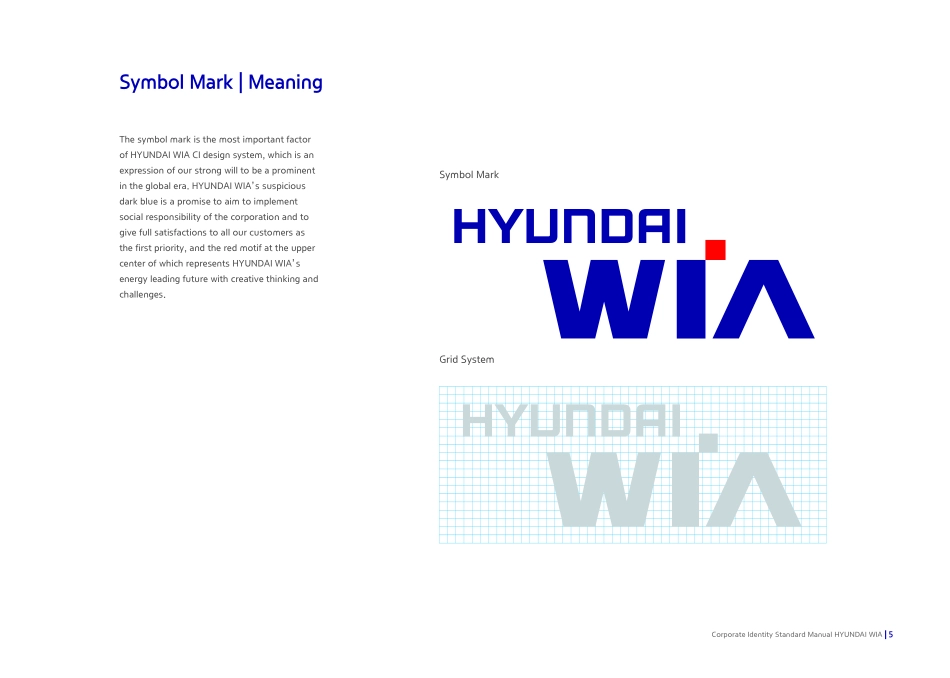
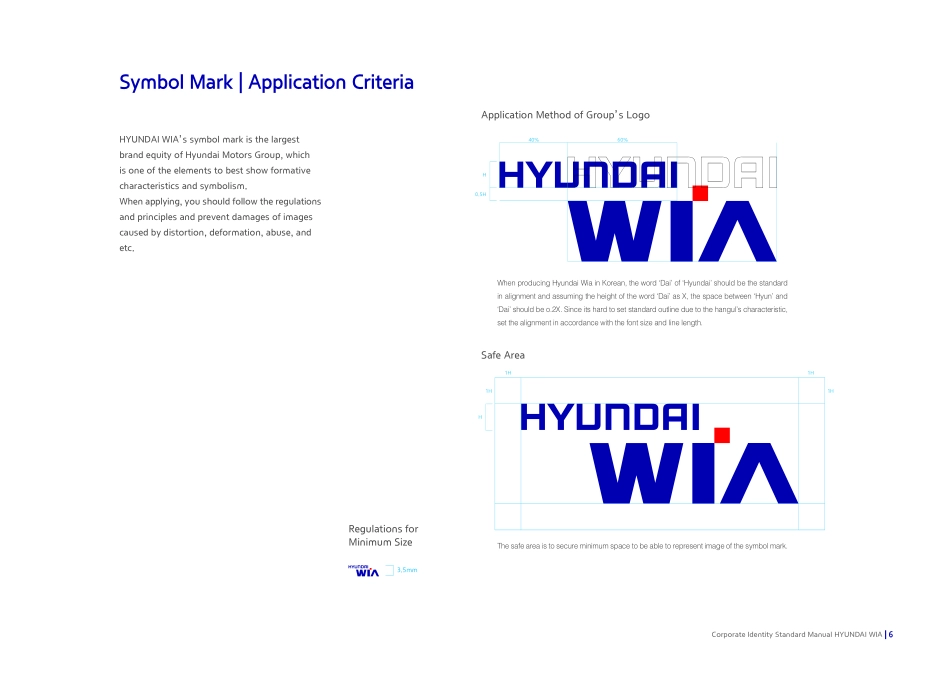
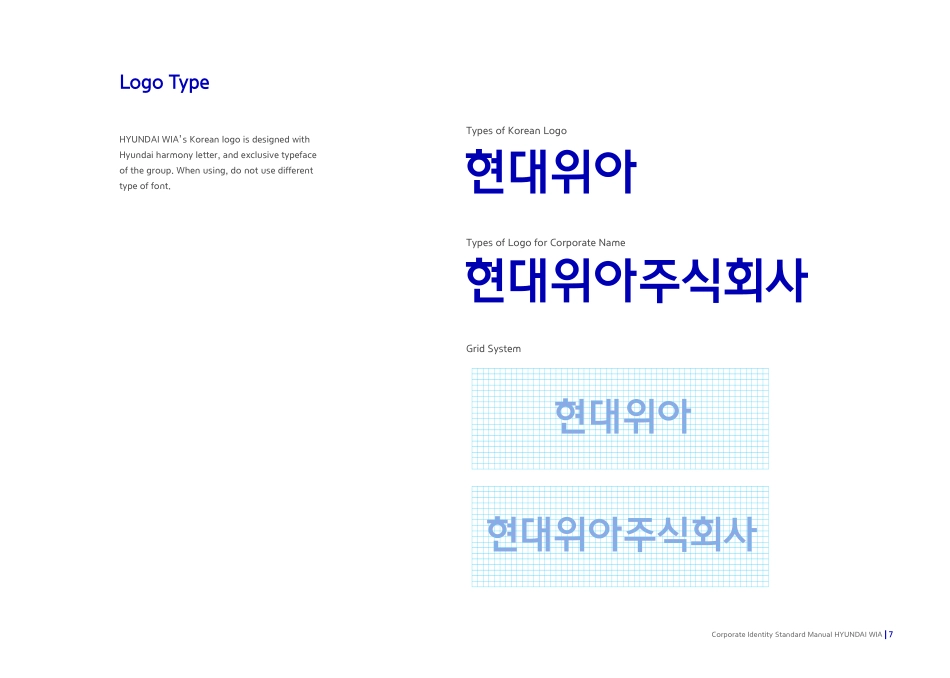
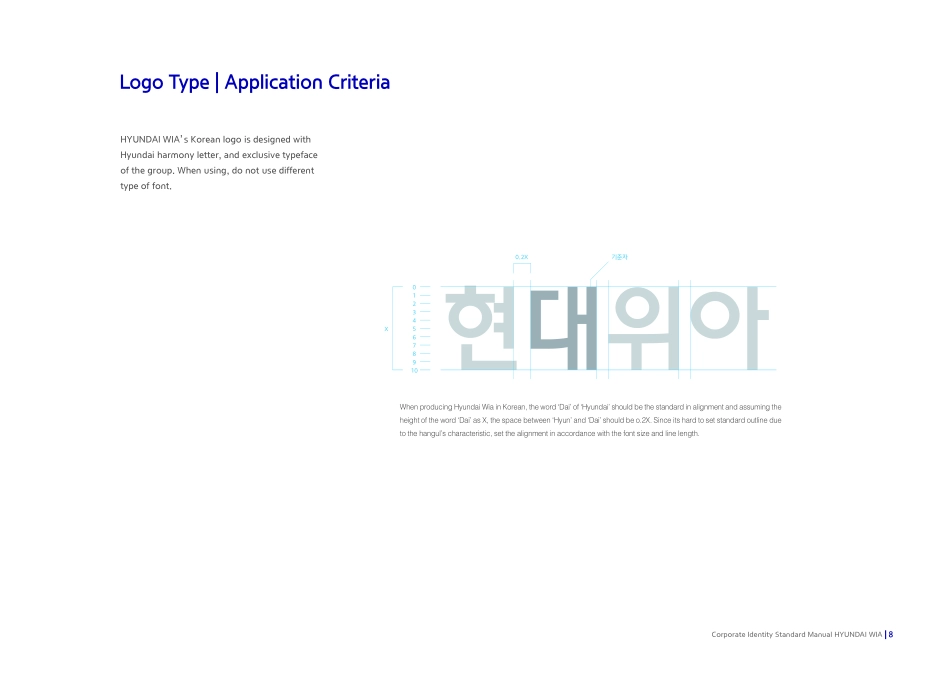
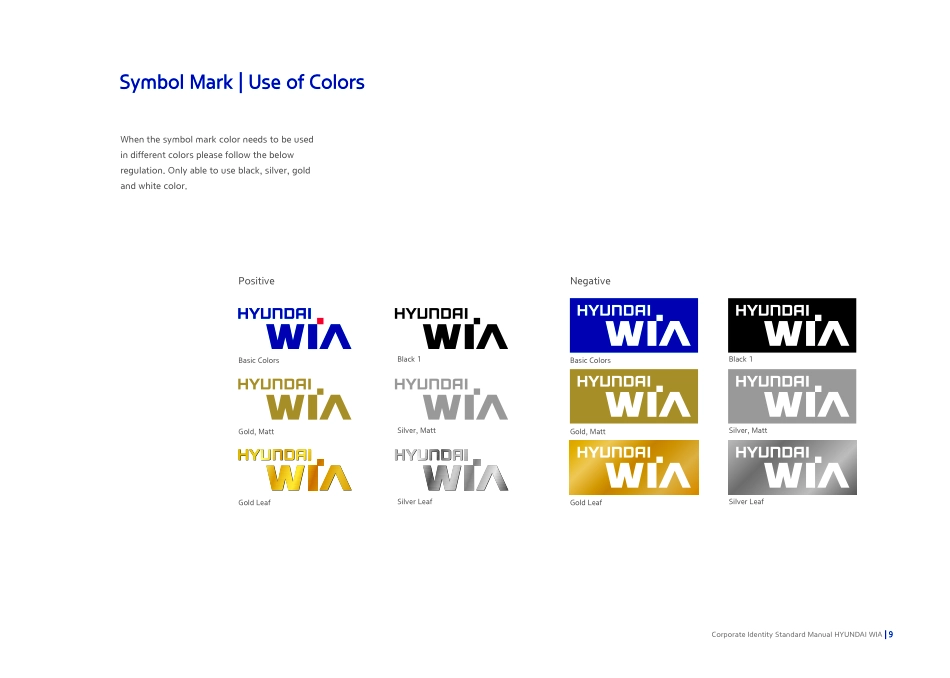
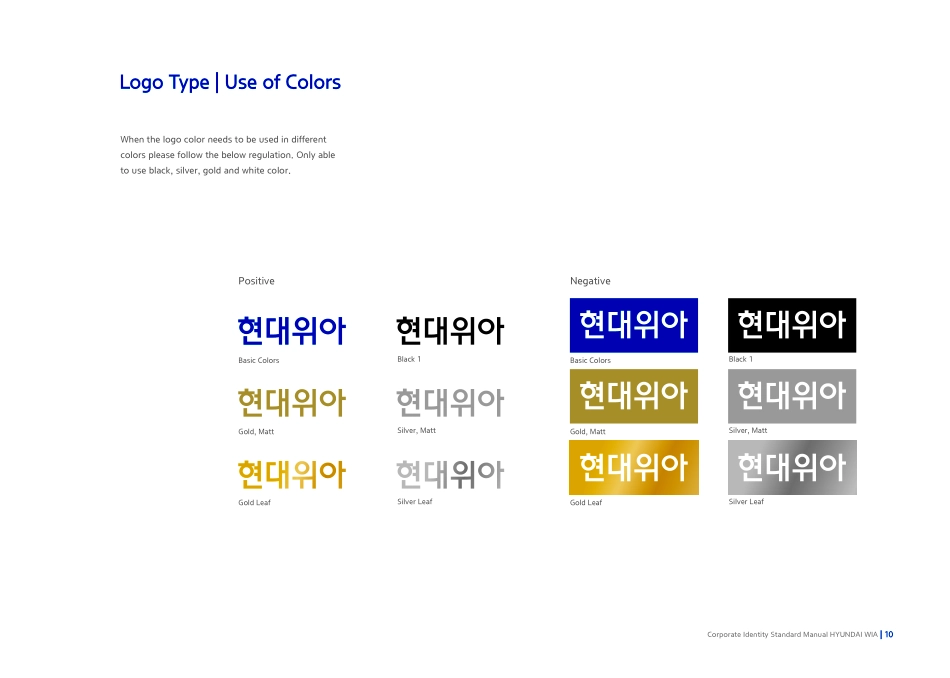
HYUNDAI WIACorporate Identity Standard Manual Management Guideline for Manual Book This manual book is a guideline for a sign design of HYUNDAI WIA’s, the purpose of which is to continuously maintain and manage HYUNDAI WIA’s identity that is exposed to internal and external media.For the department which administers and manages design, production, and construction of a sign, this contains design guidelines for expression and information elements of HYUNDAI WIA’s identity about internal and external signs.Direction for the Use of This Manual1. You should comply with all guidelines in this manual.2. When producing signs, you should use original data given PR team.3. Any part of this manual must not be damaged.4. When printing in color, you should use the color number specified in this manual. 5. In case of production and installation of signs, you should use components specified in this manual.6. In particular case that is difficult to determine please contact PR team.7. This manual is a management guideline for HYUNDAI WIA’s identity, and no part of this publication may be leaked or reproduced without permission by HYUNDAI WIA.Public Relations, HYUNDAI WIATel : 055-280-9025 / Fax : 055-210-9803 E-mail : prteam@hyundai-wia.comBASIC SYSTEM01Corporate Identity Standard Manual HYUNDAI WIASymbol Mark | Meaning·············································································5Symbol Mark | Application Criteria····················································6Logo Types·········································································································7Logo Types | Application Criteria ·······················································8Symbol Mark | Use of Colors·································································9Logo Types | Use of Colors··································································10Symbol Mark | Background Color····················································11Symbol Mark | Regulations for Prohibited Applications·······12Symbol Mark | Main Color ···································································13Sign BoardㅣMain Color ········································································14Font······················································································································15Pictogram...