电脑桌面
添加运营动脉到电脑桌面
安装后可以在桌面快捷访问

美国斑马技术zebra 品牌VI手册(2022年版)会员免费

美国斑马技术zebra 品牌VI手册(2022年版)_第1页
1/168
美国斑马技术zebra 品牌VI手册(2022年版)_第2页
2/168
美国斑马技术zebra 品牌VI手册(2022年版)_第3页
3/168
美国斑马技术zebra 品牌VI手册(2022年版)_第4页
4/168
美国斑马技术zebra 品牌VI手册(2022年版)_第5页
5/168
美国斑马技术zebra 品牌VI手册(2022年版)_第6页
6/168
美国斑马技术zebra 品牌VI手册(2022年版)_第7页
7/168
美国斑马技术zebra 品牌VI手册(2022年版)_第8页
8/168
美国斑马技术zebra 品牌VI手册(2022年版)_第9页
9/168
美国斑马技术zebra 品牌VI手册(2022年版)_第10页
10/168
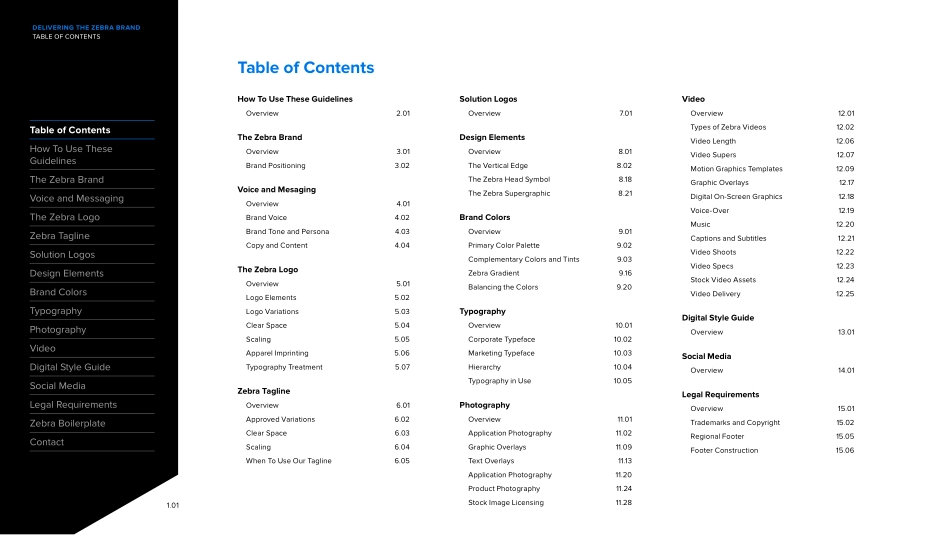
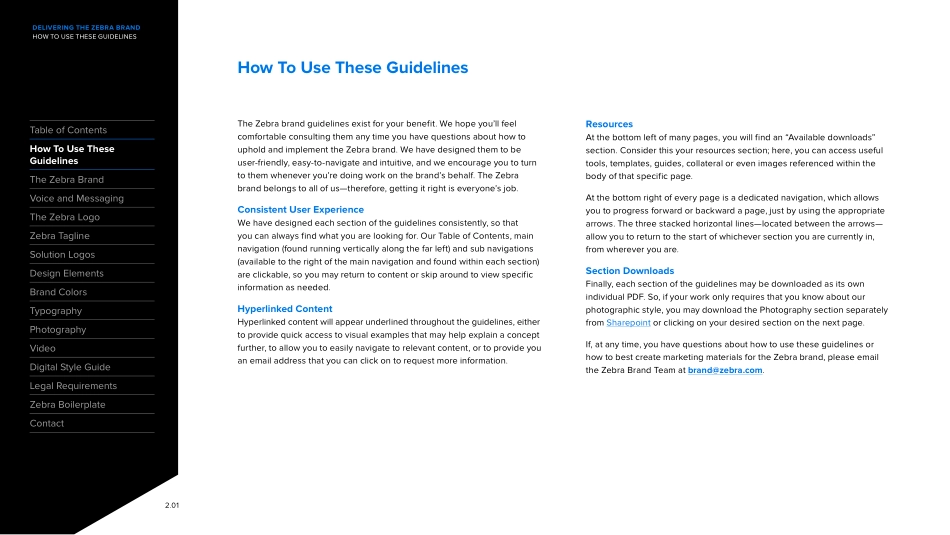
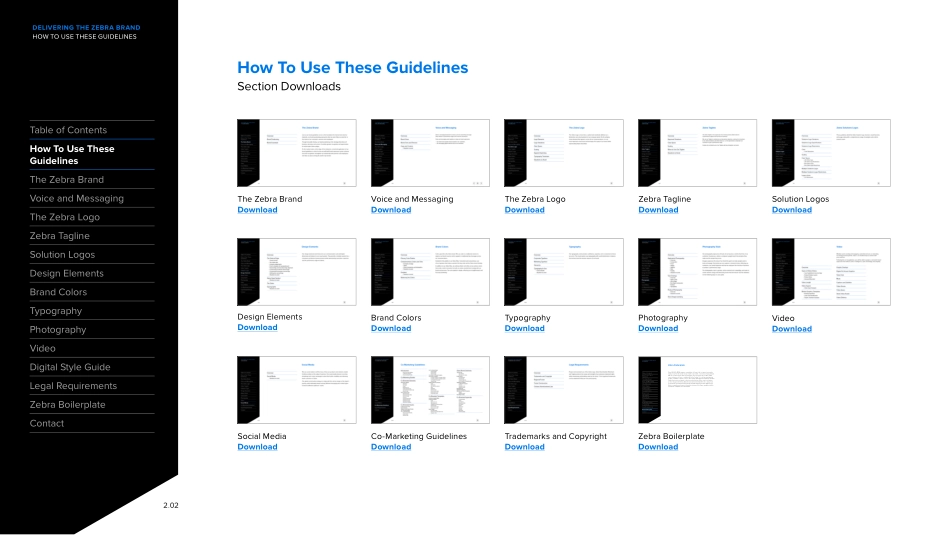
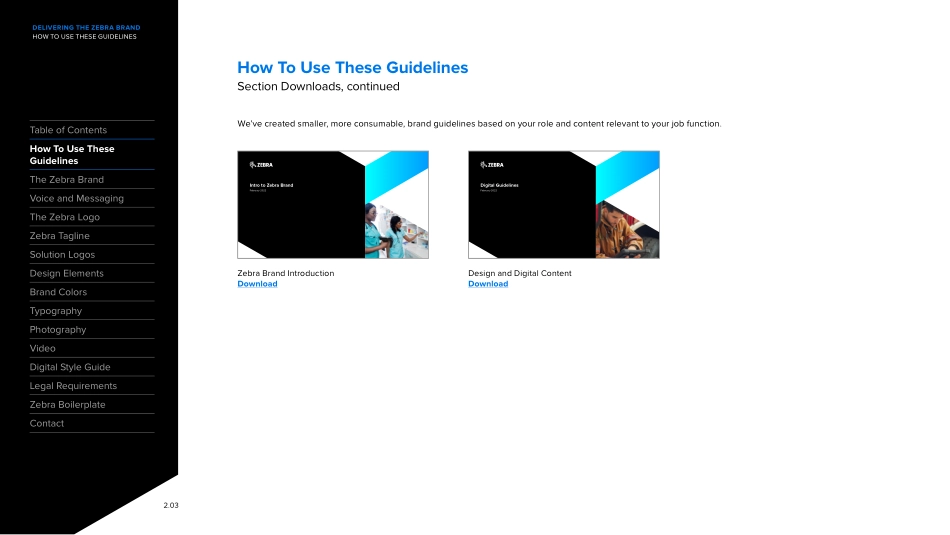
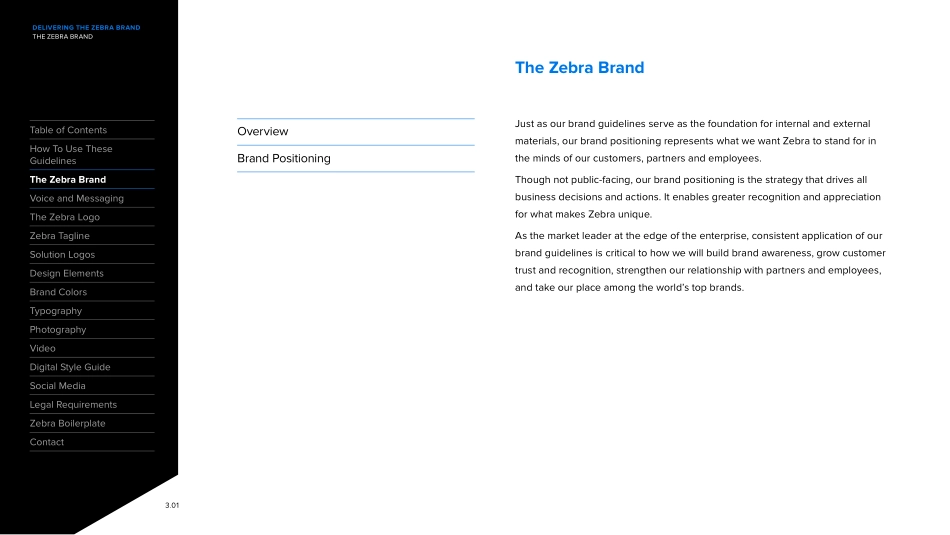
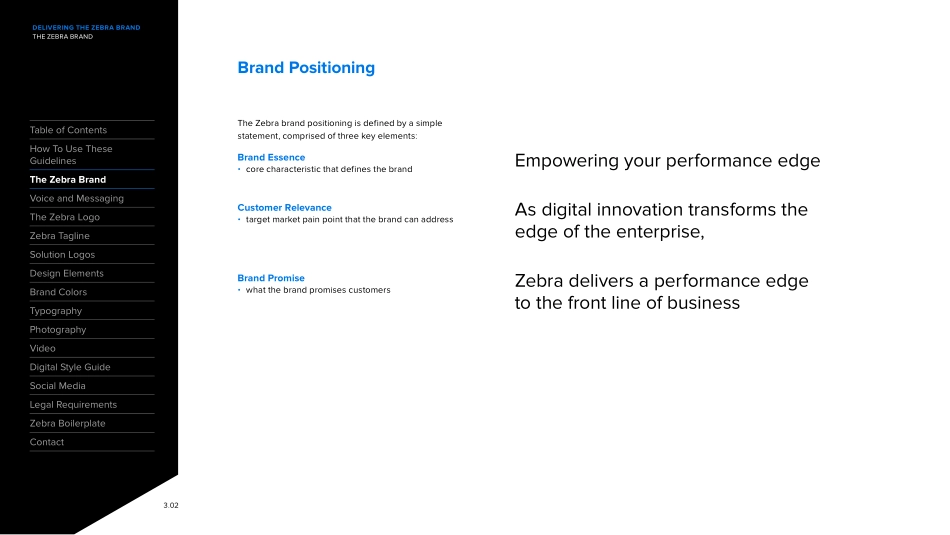
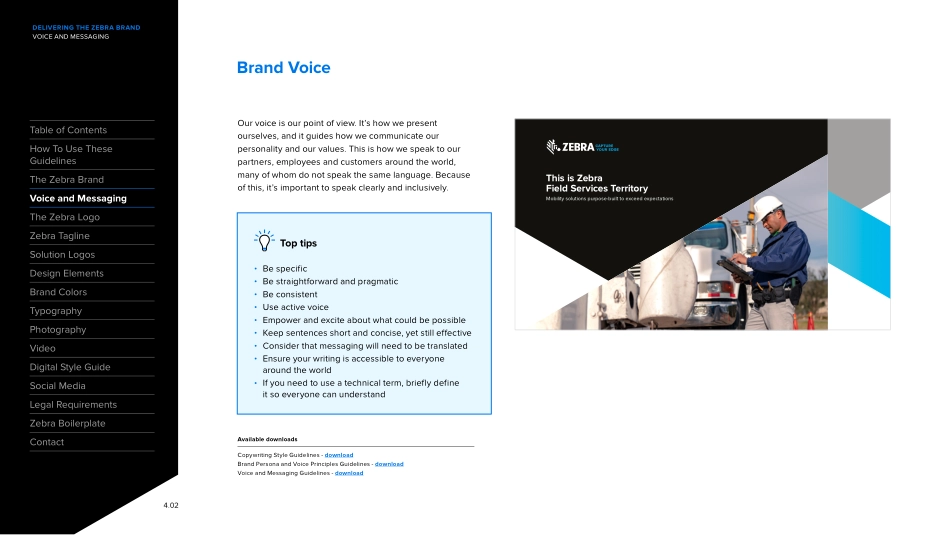
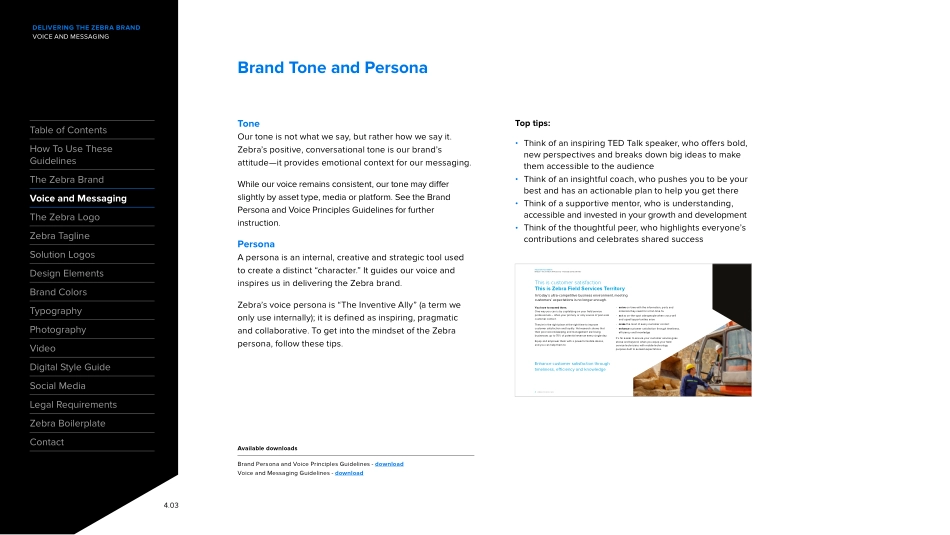
Zebra Brand GuidelinesFebruary 2022DELIVERING THE ZEBRA BRANDTABLE OF CONTENTSTable of ContentsHow To Use These GuidelinesThe Zebra Brand Voice and Messaging The Zebra LogoZebra TaglineSolution LogosDesign Elements Brand ColorsTypography PhotographyVideoDigital Style GuideSocial MediaLegal RequirementsZebra BoilerplateContact1.01How To Use These GuidelinesOverview 2.01The Zebra BrandOverview 3.01Brand Positioning 3.02Voice and MesagingOverview 4.01Brand Voice 4.02Brand Tone and Persona 4.03Copy and Content 4.04The Zebra LogoOverview 5.01Logo Elements 5.02Logo Variations 5.03Clear Space 5.04Scaling 5.05Apparel Imprinting 5.06Typography Treatment 5.07Zebra TaglineOverview 6.01Approved Variations 6.02Clear Space 6.03Scaling 6.04When To Use Our Tagline 6.05Solution LogosOverview 7.01Design ElementsOverview 8.01The Vertical Edge 8.02The Zebra Head Symbol 8.18The Zebra Supergraphic 8.21Brand ColorsOverview 9.01Primary Color Palette 9.02Complementary Colors and Tints 9.03Zebra Gradient 9.16Balancing the Colors 9.20TypographyOverview 10.01Corporate Typeface 10.02Marketing Typeface 10.03Hierarchy 10.04Typography in Use 10.05PhotographyOverview 11.01Application Photography 11.02Graphic Overlays 11.09Text Overlays 11.13Application Photography 11.20Product Photography 11.24Stock Image Licensing 11.28VideoOverview 12.01Types of Zebra Videos 12.02Video Length 12.06Video Supers 12.07Motion Graphics Templates 12.09Graphic Overlays 12.17Digital On-Screen Graphics 12.18Voice-Over 12.19Music 12.20Captions and Subtitles 12.21Video Shoots 12.22Video Specs 12.23Stock Video Assets 12.24Video Delivery 12.25Digital Style GuideOverview 13.01Social MediaOverview 14.01Legal RequirementsOverview 15.01Trademarks and Copyright 15.02Regional Footer 15.05Footer Construction 15.06Table of Contents2.01DELIVERING THE ZEBRA BRANDHOW TO USE THESE GUIDELINESTable of ContentsHow To Use These GuidelinesThe Zebra Brand Voice and Messaging The Zebra LogoZebra TaglineSolution LogosDesign Elements Brand ColorsTypography PhotographyVideoDigital Style GuideLegal RequirementsZebra BoilerplateContactThe Zebra brand guidelines exist for your benefit. We hope you’ll feel comfortable consulting them any time you have questions about how to uphold and implement the Zebra brand. We have designed them to be user-friendly, easy-to-navigate and intuitive, and we encourage you to turn to them whenever you’re doing work on the brand’s behalf. The Zebra brand belongs to all of us—therefore, getting it right is everyone’s job.Consistent User ExperienceWe have designed each section of the guidelines consistently, so that you can always find what you are looking for. Our Table of Contents, main navigation (found running vertically along the far left) and sub navigations (available to the right of the main navigation and found within each section) are clickable, so you may return to content or skip around to view specific information as needed. Hyperlinked ContentHyperlinked content wi...

1、当您付费下载文档后,您只拥有了使用权限,并不意味着购买了版权,文档只能用于自身使用,不得用于其他商业用途(如 [转卖]进行直接盈利或[编辑后售卖]进行间接盈利)。
2、本站所有内容均由合作方或网友上传,本站不对文档的完整性、权威性及其观点立场正确性做任何保证或承诺!文档内容仅供研究参考,付费前请自行鉴别。
3、如文档内容存在违规,或者侵犯商业秘密、侵犯著作权等,请点击“违规举报”。

查找下载文件的指引

一、电脑端

- Windows 系统:按下键盘快捷键 `Ctrl + J`,即可打开下载列表。  

- Mac 系统:按下键盘快捷键 `⌘ + J`,即可打开下载列表。  

二、手机端

1. 打开手机浏览器,点击浏览器右下角的 “≡”(或“更多”)图标。  

2. 在弹出的菜单中找到并点击 “下载内容”(或类似选项),即可查看已下载的文件。  

提示:不同浏览器界面略有差异,若未找到“下载”入口,可尝试在浏览器设置中搜索“下载”关键词。

美国斑马技术zebra 品牌VI手册(2022年版)

确认删除?
签到
收藏
足迹
微信
  • 站长微信
回到顶部