电脑桌面
添加运营动脉到电脑桌面
安装后可以在桌面快捷访问

Snapchat 品牌logo-2020会员免费

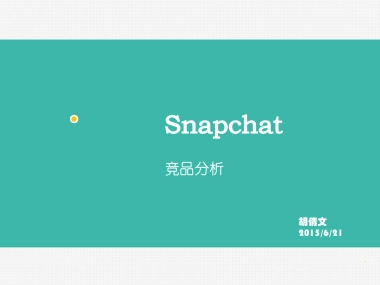
Snapchat 品牌logo-2020_第1页
1/13
Snapchat 品牌logo-2020_第2页
2/13
Snapchat 品牌logo-2020_第3页
3/13
Snapchat 品牌logo-2020_第4页
4/13
Snapchat 品牌logo-2020_第5页
5/13
Snapchat 品牌logo-2020_第6页
6/13
Snapchat 品牌logo-2020_第7页
7/13
Snapchat 品牌logo-2020_第8页
8/13
Snapchat 品牌logo-2020_第9页
9/13
Snapchat 品牌logo-2020_第10页
10/13
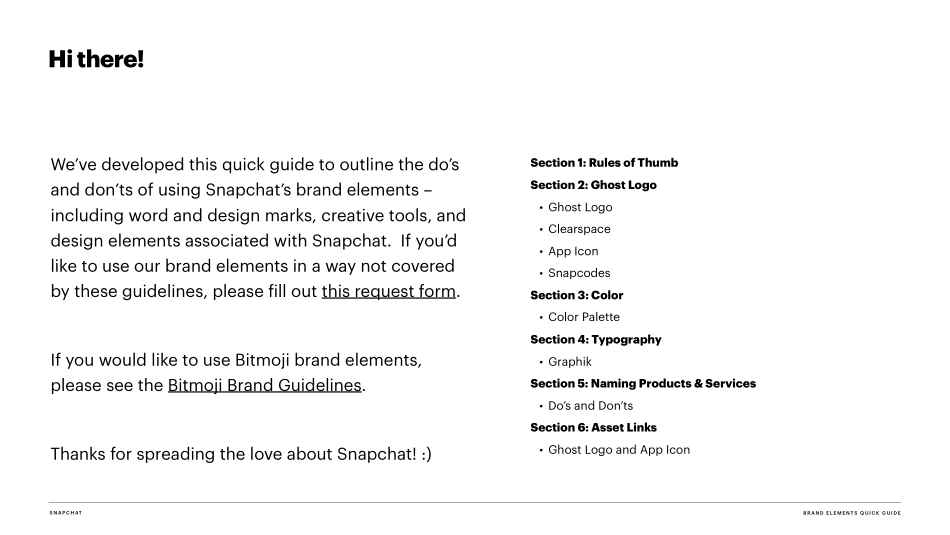
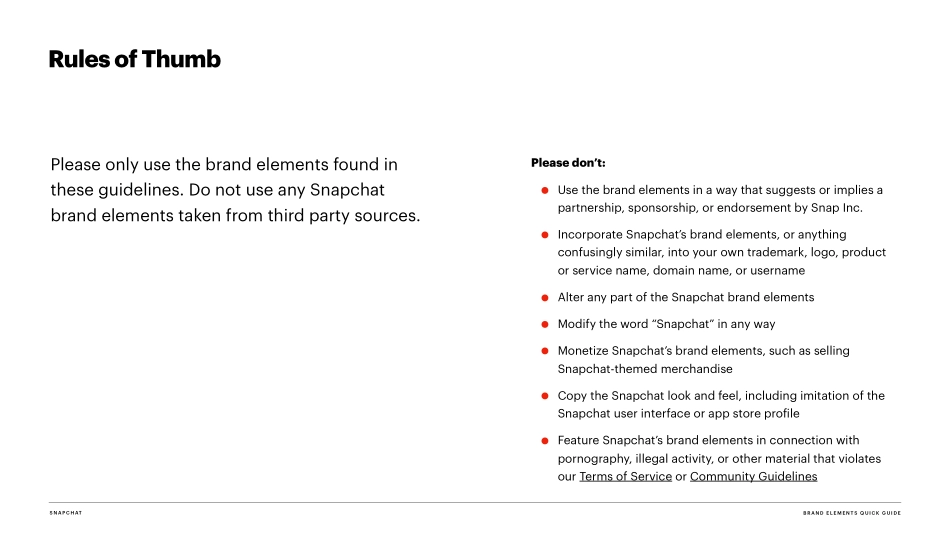
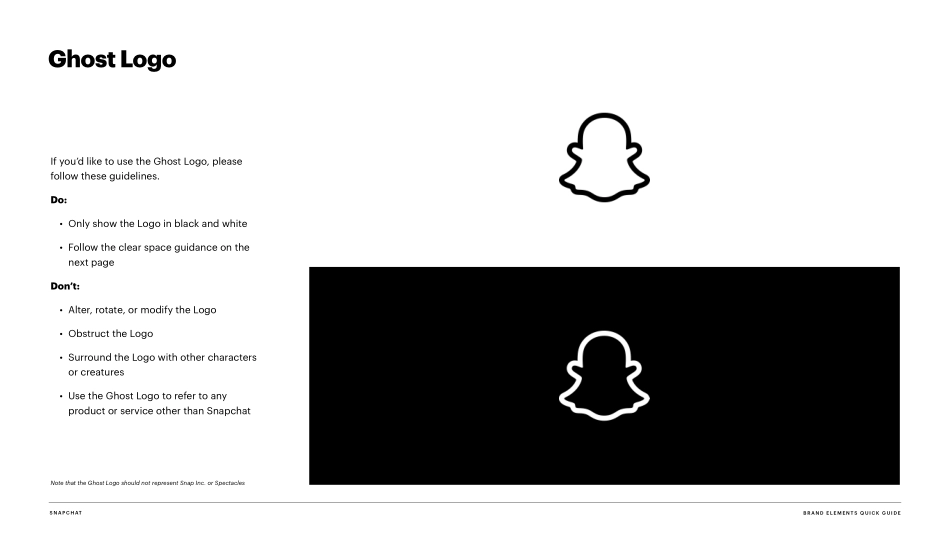
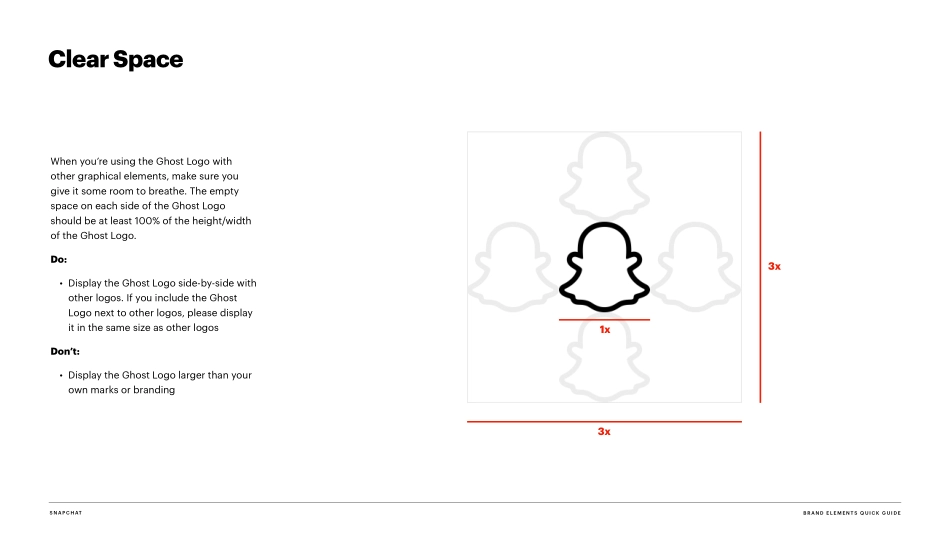
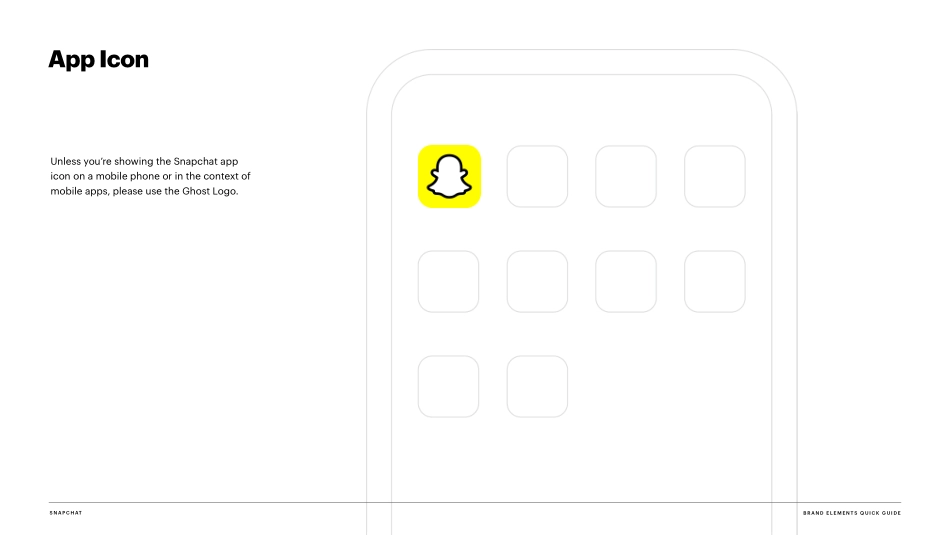
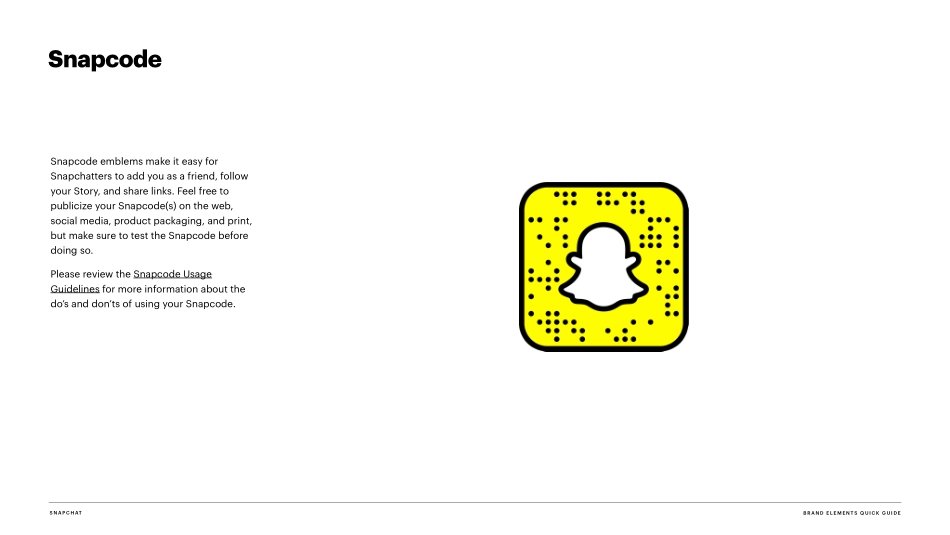
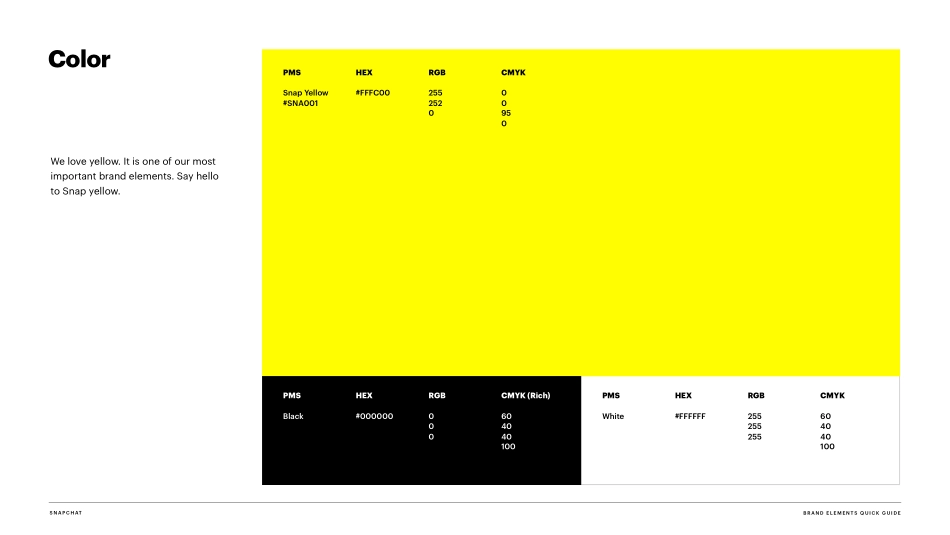
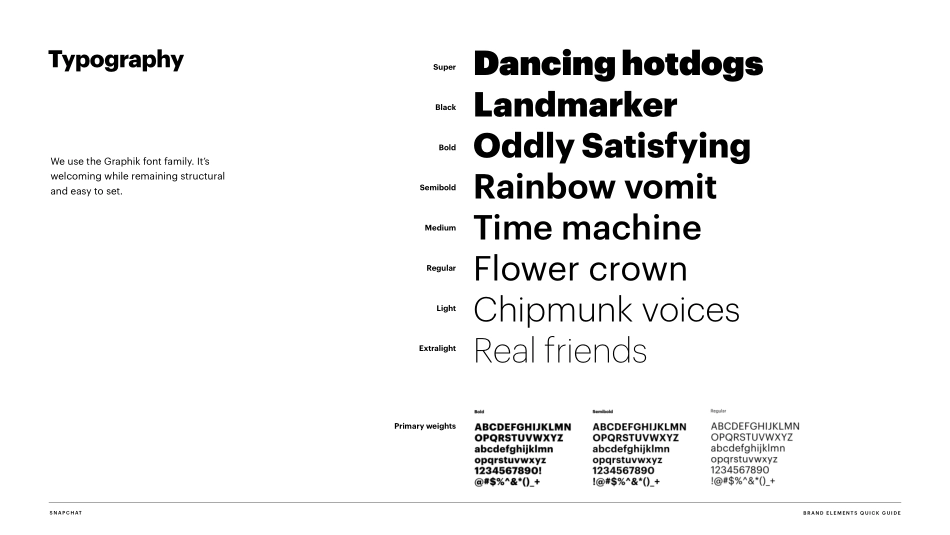
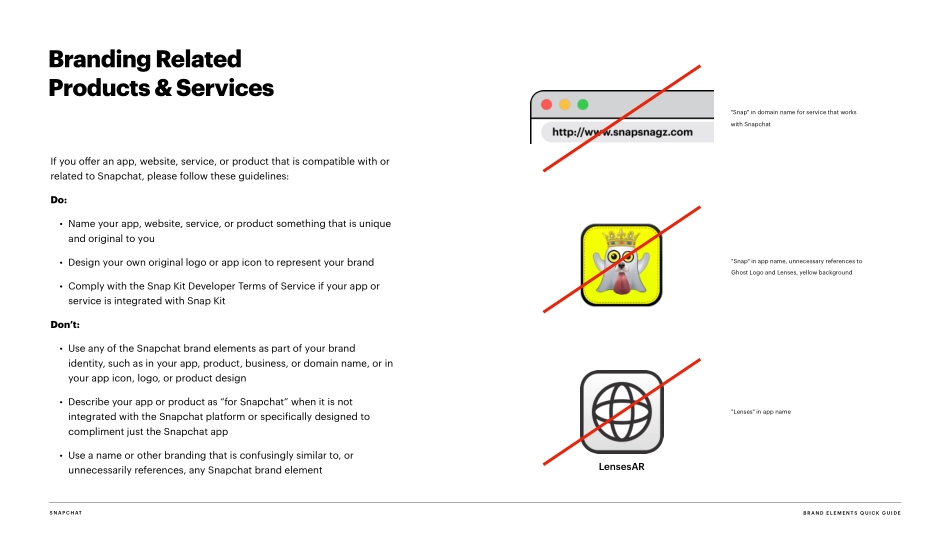
Brand Elements Quick GuideMarch 2020S N A P C H ATWe’ve developed this quick guide to outline the do’s and don’ts of using Snapchat’s brand elements – including word and design marks, creative tools, and design elements associated with Snapchat. If you’d like to use our brand elements in a way not covered by these guidelines, please fill out this request form. If you would like to use Bitmoji brand elements, please see the Bitmoji Brand Guidelines. Thanks for spreading the love about Snapchat! :)B R A N D E L E M E N TS Q U I C K G U I D ESection 1: Rules of Thumb Section 2: Ghost Logo • Ghost Logo • Clearspace • App Icon • Snapcodes Section 3: Color • Color Palette Section 4: Typography • Graphik Section 5: Naming Products & Services • Do’s and Don’ts Section 6: Asset Links • Ghost Logo and App IconHi there!S N A P C H ATPlease only use the brand elements found in these guidelines. Do not use any Snapchat brand elements taken from third party sources.Please don’t: • Use the brand elements in a way that suggests or implies a partnership, sponsorship, or endorsement by Snap Inc. • Incorporate Snapchat’s brand elements, or anything confusingly similar, into your own trademark, logo, product or service name, domain name, or username • Alter any part of the Snapchat brand elements • Modify the word “Snapchat” in any way • Monetize Snapchat’s brand elements, such as selling Snapchat-themed merchandise • Copy the Snapchat look and feel, including imitation of the Snapchat user interface or app store profile • Feature Snapchat’s brand elements in connection with pornography, illegal activity, or other material that violates our Terms of Service or Community GuidelinesRules of ThumbB R A N D E L E M E N TS Q U I C K G U I D ES N A P C H ATIf you’d like to use the Ghost Logo, please follow these guidelines. Do: • Only show the Logo in black and white • Follow the clear space guidance on the next page Don’t: • Alter, rotate, or modify the Logo • Obstruct the Logo • Surround the Logo with other characters or creatures • Use the Ghost Logo to refer to any product or service other than Snapchat Note that the Ghost Logo should not represent Snap Inc. or Spectacles Ghost LogoB R A N D E L E M E N TS Q U I C K G U I D E3xS N A P C H ATWhen you’re using the Ghost Logo with other graphical elements, make sure you give it some room to breathe. The empty space on each side of the Ghost Logo should be at least 100% of the height/width of the Ghost Logo. Do: • Display the Ghost Logo side-by-side with other logos. If you include the Ghost Logo next to other logos, please display it in the same size as other logos Don’t: • Display the Ghost Logo larger than your own marks or branding Clear Space1x3xB R A N D E L E M E N TS Q U I C K...

1、当您付费下载文档后,您只拥有了使用权限,并不意味着购买了版权,文档只能用于自身使用,不得用于其他商业用途(如 [转卖]进行直接盈利或[编辑后售卖]进行间接盈利)。
2、本站所有内容均由合作方或网友上传,本站不对文档的完整性、权威性及其观点立场正确性做任何保证或承诺!文档内容仅供研究参考,付费前请自行鉴别。
3、如文档内容存在违规,或者侵犯商业秘密、侵犯著作权等,请点击“违规举报”。

查找下载文件的指引

一、电脑端

- Windows 系统:按下键盘快捷键 `Ctrl + J`,即可打开下载列表。  

- Mac 系统:按下键盘快捷键 `⌘ + J`,即可打开下载列表。  

二、手机端

1. 打开手机浏览器,点击浏览器右下角的 “≡”(或“更多”)图标。  

2. 在弹出的菜单中找到并点击 “下载内容”(或类似选项),即可查看已下载的文件。  

提示:不同浏览器界面略有差异,若未找到“下载”入口,可尝试在浏览器设置中搜索“下载”关键词。


Snapchat 品牌logo-2020

确认删除?
签到
收藏
足迹
微信
  • 站长微信
回到顶部