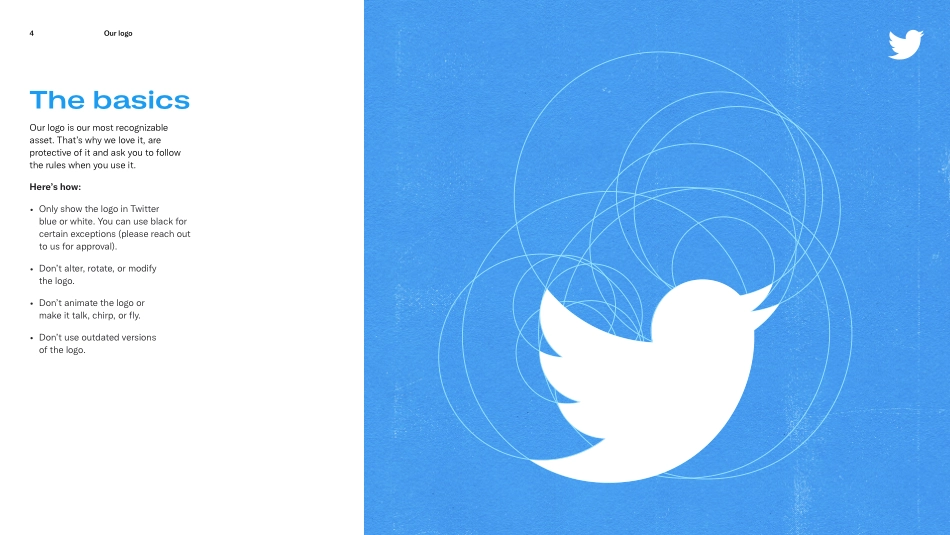
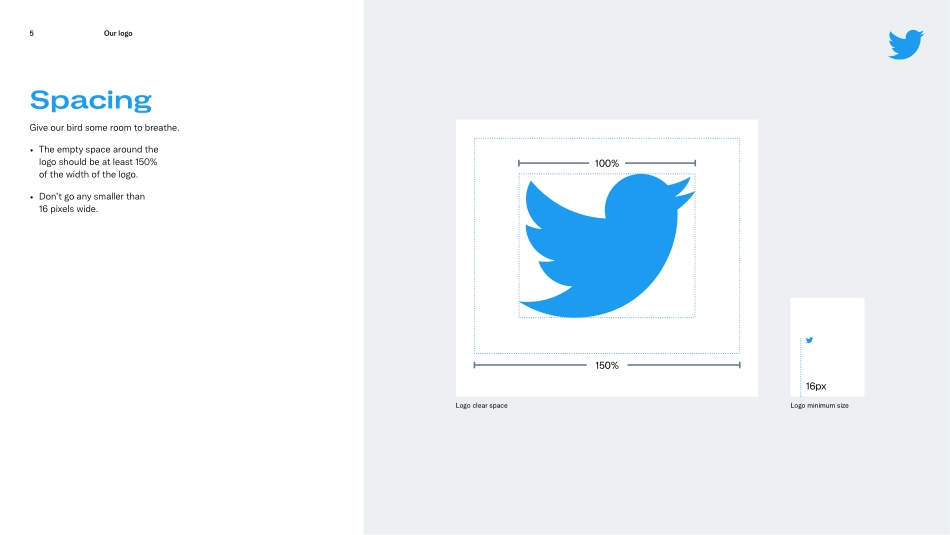
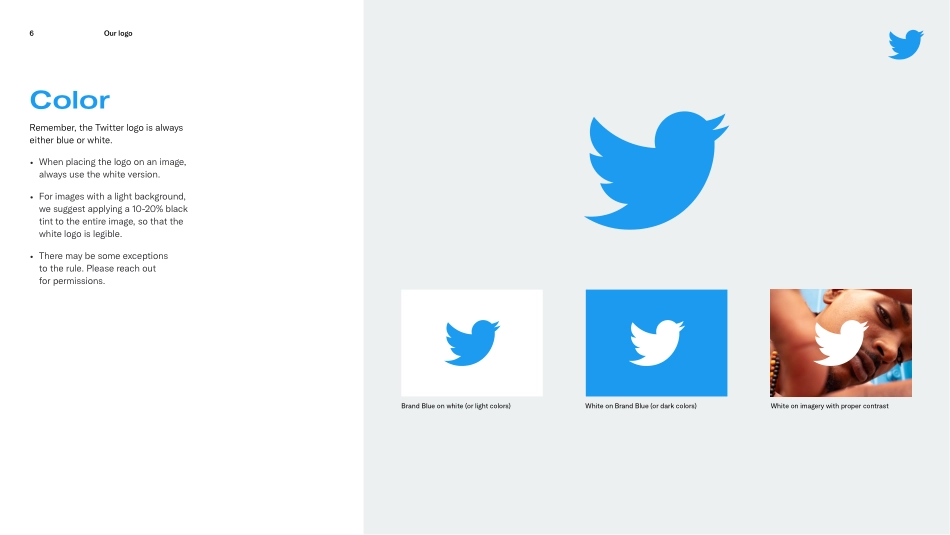
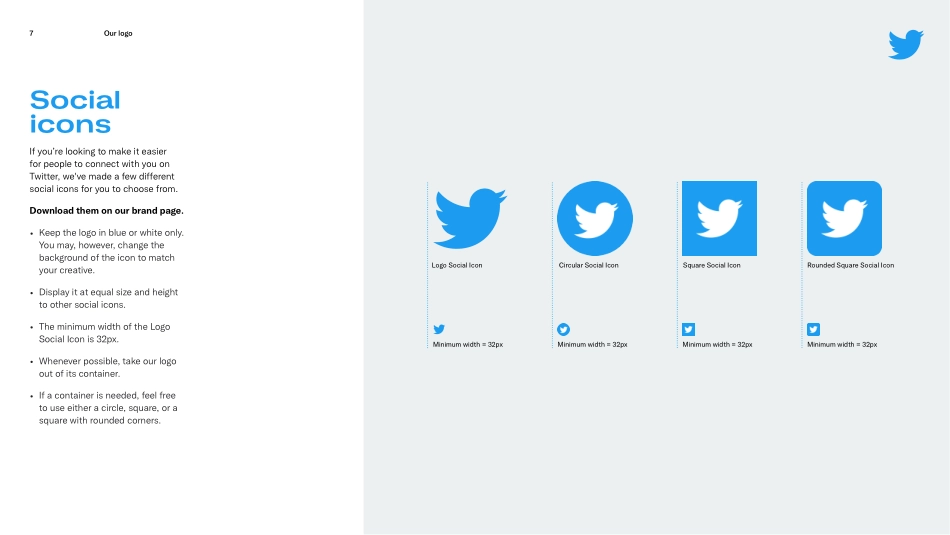
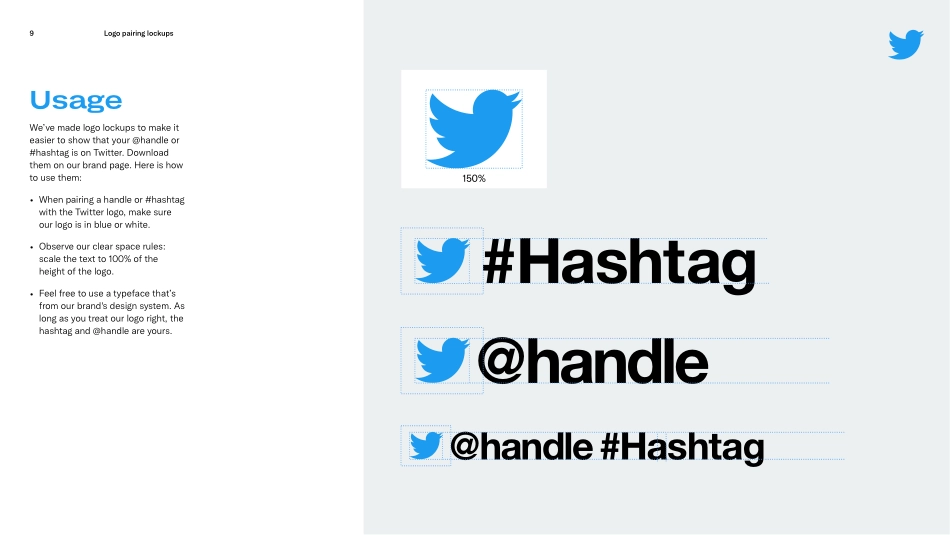
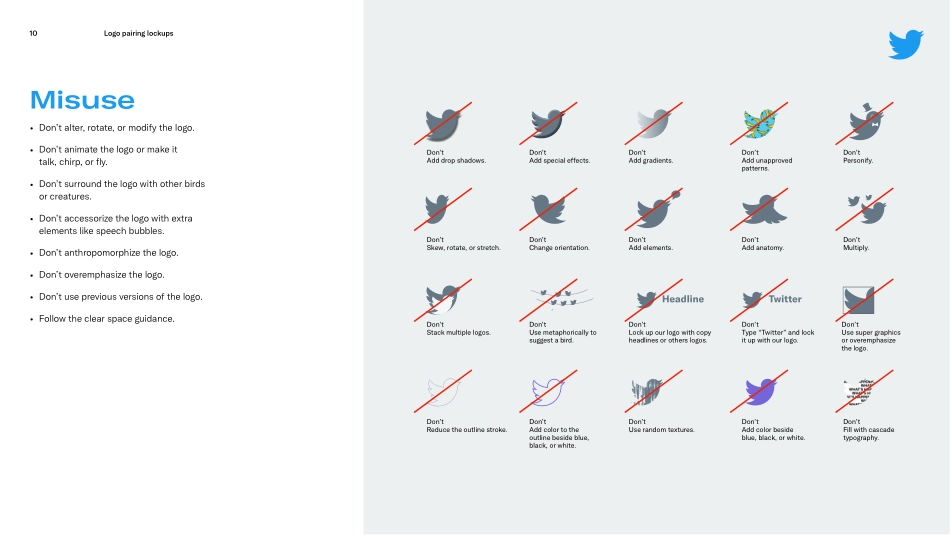
October 2020Twitter Brand GuidelinesWe’ve created this guide to help you use some of our core brand elements — our logo, #hashtag, and the @reply, and Tweets. It shouldn’t take long to read (we kept it short). Definitely check it out before you get started. Please note that this guide isn't exhaustive. Please reach out to trademarks@twitter.com if what you are looking for isn't specifically covered here.Using the Twitter brandTwitter Brand Guidelines2Our logoTwitter Brand Guidelines3Our logo4The basics Our logo is our most recognizable asset. That’s why we love it, are protective of it and ask you to follow the rules when you use it. Here’s how: • Only show the logo in Twitter blue or white. You can use black for certain exceptions (please reach out to us for approval). • Don’t alter, rotate, or modify the logo. • Don’t animate the logo or make it talk, chirp, or fly. • Don’t use outdated versions of the logo. 5Spacing Give our bird some room to breathe. • The empty space around the logo should be at least 150% of the width of the logo. • Don’t go any smaller than 16 pixels wide.100%150%Logo clear spaceLogo minimum size16pxOur logo 6Brand Blue on white (or light colors)White on Brand Blue (or dark colors)White on imagery with proper contrastColor Remember, the Twitter logo is always either blue or white. • When placing the logo on an image, always use the white version. • For images with a light background, we suggest applying a 10-20% black tint to the entire image, so that the white logo is legible. • There may be some exceptions to the rule. Please reach out for permissions. Our logo 7Social icons If you’re looking to make it easier for people to connect with you on Twitter, we've made a few different social icons for you to choose from. Download them on our brand page. • Keep the logo in blue or white only. You may, however, change the background of the icon to match your creative. • Display it at equal size and height to other social icons. • The minimum width of the Logo Social Icon is 32px. • Whenever possible, take our logo out of its container. • If a container is needed, feel free to use either a circle, square, or a square with rounded corners. Square Social IconCircular Social IconLogo Social IconRounded Square Social IconMinimum width = 32pxMinimum width = 32pxMinimum width = 32pxMinimum width = 32pxOur logoLogo pairing lockupsTwitter Brand Guidelines8 Logo pairing lockups9150%#HashtagUsage We’ve made logo lockups to make it easier to show that your @handle or #hashtag is on Twitter. Download them on our brand page. Here is how to use them: • When pairing a handle or #hashtag with the Twitter logo, make sure our logo is in blue or white. • Observe our clear space rules: scale the text to 100% of the height of the logo. • Feel free to use a typefac...