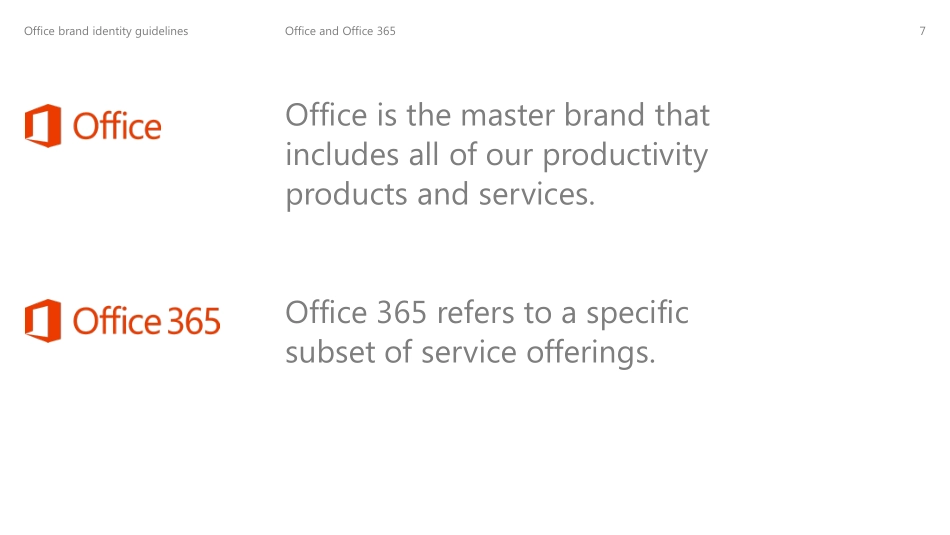
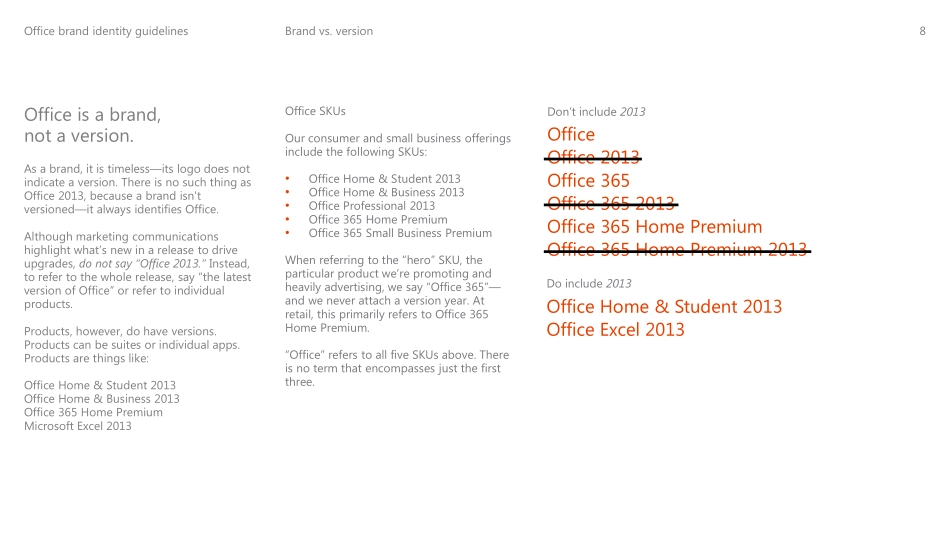
Brand identity guidelines October 1, 2012 Invent. Welcome to the new Office brand identity guidelines. Use these guidelines when creating marketing materials that will be distributed at or after general availability of the new Office. Office brand identity guidelines 1 Introduction 2 How we talk 3 How we look 4 How we sound 5 Appendix: Verb descriptions Office brand identity guidelines Sections 1 Introduction 04 Welcome 05 Brand promise 07 Office and Office 365 08 Brand vs. version 09 Expression 10 Elements 11 Juxtaposition Office brand identity guidelines Welcome to the new Office brand. These guidelines explain the key visual and verbal elements of our new brand, so you can bring Office to life across all our communications. Clear and consistent use of these elements will keep us true to the Office brand and the products and services it represents. Our new brand builds on our fundamental strength—that Office is the best tool to get things done—while enabling us to tell a bigger story about who we are, what we stand for, and what we help our customers to achieve. Office brand identity guidelines 4 Brand promise Office Brand Identity Guidelines 5 Our brand promise is our core reason for being. Brand promise Everyday Brilliance has three tenets: •Elevate the doers. Office is for people who want to get things done. •Inspire the journey; celebrate the destination. Office is as much about doing and using the product as it is about the output or end result. •Liberate people—and ideas. Now with Office, people can get things done from just about anywhere on any device. Our new creative platform expresses Everyday Brilliance through the power of words, images, and sounds to make our philosophy real in the world. Office brand identity guidelines 6 Office and Office 365 Office is the master brand that includes all of our productivity products and services. Office 365 refers to a specific subset of service offerings. Office brand identity guidelines 7 Office is a brand, not a version. As a brand, it is timeless—its logo does not indicate a version. There is no such thing as Office 2013, because a brand isn't versioned—it always identifies Office. Although marketing communications highlight what’s new in a release to drive upgrades, do not say “Office 2013.” Instead, to refer to the whole release, say “the latest version of Office” or refer to individual products. Products, however, do have versions. Products can be suites or individual apps. Products are things like: Office Home & Student 2013 Office Home & Business 2013 Office 365 Home Premium Microsoft Excel 2013 Brand vs. version Office Home & Student 2013 Office Excel 2013 Office Office 2013 Office 365 Office 365 2013 Office 365 Home Premium Office 365 Home Premium 2013 Don’t include 2013 Do include 2013 Office SKUs Our consumer and small business offer...