电脑桌面
添加运营动脉到电脑桌面
安装后可以在桌面快捷访问

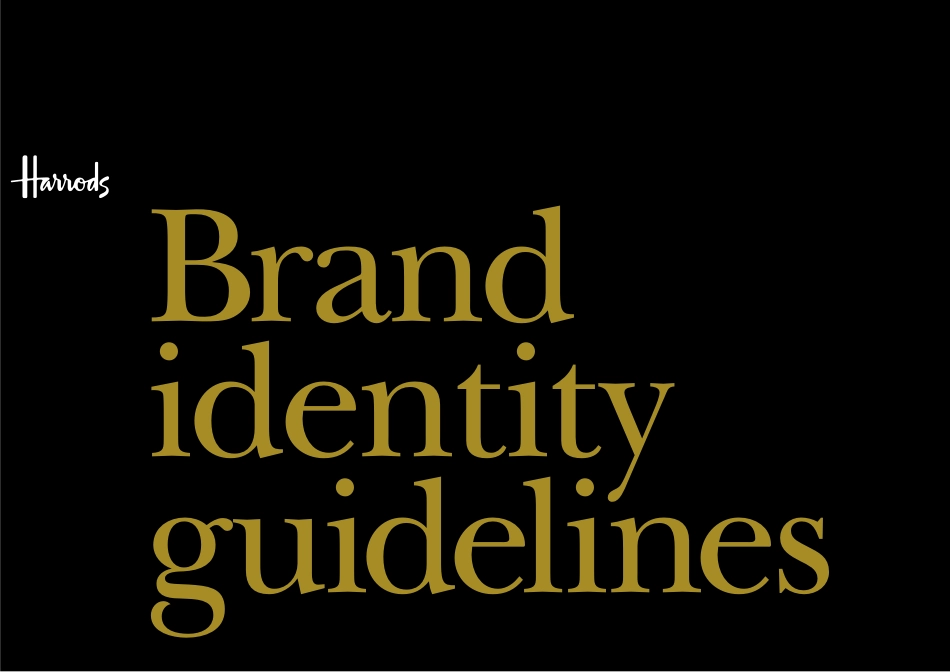
Harrods Brand Guidelines会员免费

Harrods Brand Guidelines_第1页
1/118
Harrods Brand Guidelines_第2页
2/118
Harrods Brand Guidelines_第3页
3/118
Harrods Brand Guidelines_第4页
4/118
Harrods Brand Guidelines_第5页
5/118
Harrods Brand Guidelines_第6页
6/118
Harrods Brand Guidelines_第7页
7/118
Harrods Brand Guidelines_第8页
8/118
Harrods Brand Guidelines_第9页
9/118
Harrods Brand Guidelines_第10页
10/118
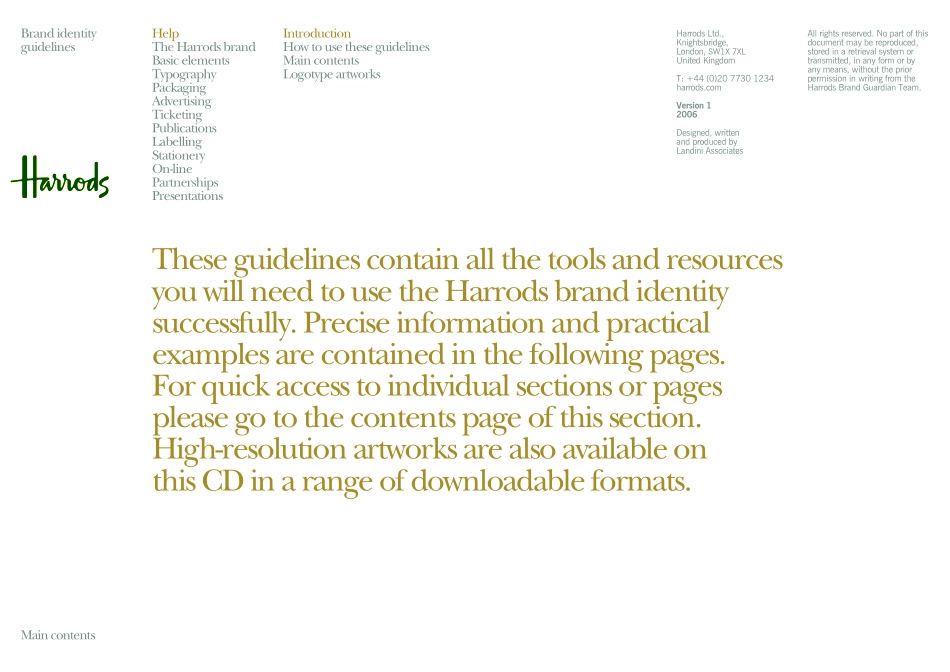
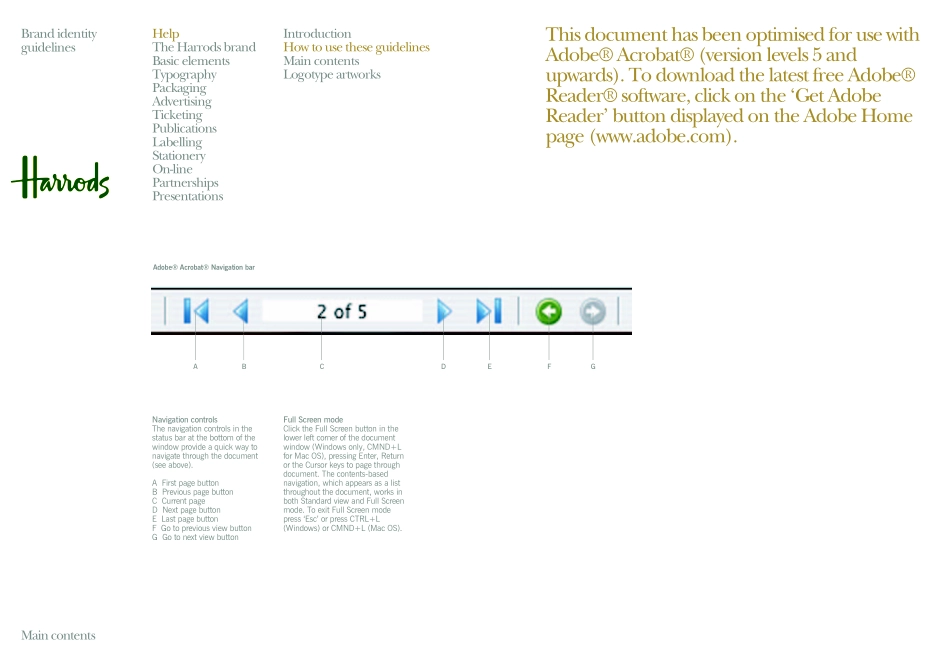
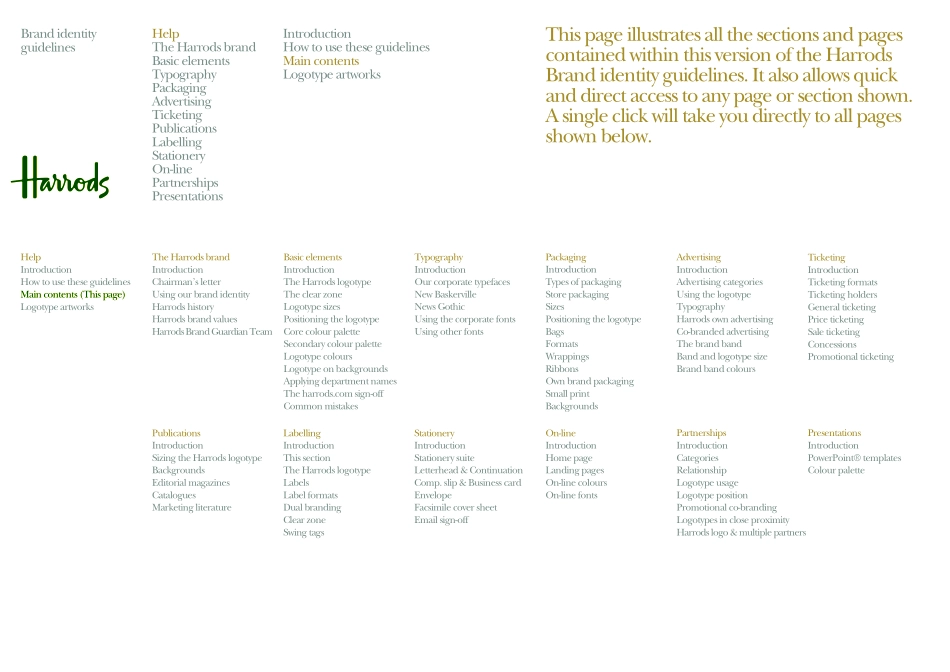
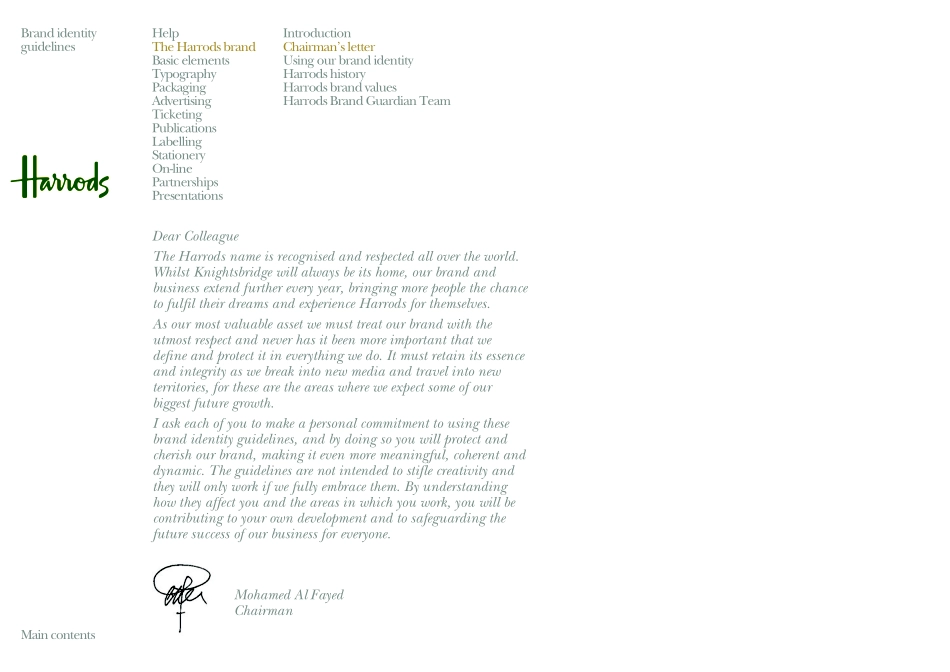
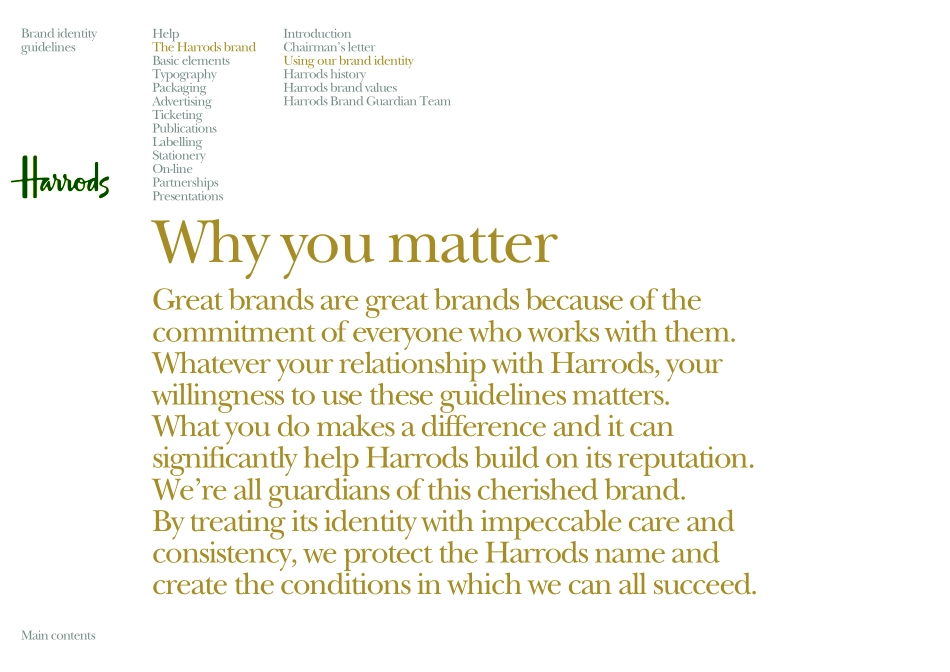
Brand identityguidelinesIntroductionHow to use these guidelinesMain contentsLogotype artworksHelpBrand identity guidelinesMain contentsHelpThe Harrods brandBasic elementsTypographyPackagingAdvertisingTicketingPublicationsLabellingStationeryOn-linePartnershipsPresentationsHarrods Ltd., Knightsbridge,London, SW1X 7XLUnited KingdomT: +44 (0)20 7730 1234harrods.comVersion 12006Designed, written and produced by Landini AssociatesAll rights reserved. No part of this document may be reproduced, stored in a retrieval system or transmitted, in any form or by any means, without the prior permission in writing from the Harrods Brand Guardian Team.Brand identity guidelinesIntroductionHow to use these guidelinesMain contentsLogotype artworksThese guidelines contain all the tools and resources you will need to use the Harrods brand identity successfully. Precise information and practical examples are contained in the following pages. For quick access to individual sections or pages please go to the contents page of this section. High-resolution artworks are also available on this CD in a range of downloadable formats. Main contentsHelpThe Harrods brandBasic elementsTypographyPackagingAdvertisingTicketingPublicationsLabellingStationeryOn-linePartnershipsPresentationsBrand identity guidelinesIntroductionHow to use these guidelinesMain contentsLogotype artworksThis document has been optimised for use with Adobe® Acrobat® (version levels 5 and upwards). To download the latest free Adobe® Reader® software, click on the ‘Get Adobe Reader’ button displayed on the Adobe Home page (www.adobe.com).Navigation controlsThe navigation controls in the status bar at the bottom of the window provide a quick way to navigate through the document (see above).A First page buttonB Previous page buttonC Current pageD Next page buttonE Last page buttonF Go to previous view buttonG Go to next view buttonFull Screen modeClick the Full Screen button in the lower left corner of the document window (Windows only, CMND+L for Mac OS), pressing Enter, Return or the Cursor keys to page through document. The contents-based navigation, which appears as a list throughout the document, works in both Standard view and Full Screen mode. To exit Full Screen mode press ‘Esc’ or press CTRL+L (Windows) or CMND+L (Mac OS).Adobe® Acrobat® Navigation barBACDEFGMain contentsHelpThe Harrods brandBasic elementsTypographyPackagingAdvertisingTicketingPublicationsLabellingStationeryOn-linePartnershipsPresentationsBrand identity guidelinesIntroductionHow to use these guidelinesMain contentsLogotype artworksThe Harrods brandIntroductionChairman’s letterUsing our brand identityHarrods historyHarrods brand valuesHarrods Brand Guardian TeamHelpIntroductionHow to use these guidelinesMain contents (This page)Logotype artworksBasic elementsIntroductionThe Harrods logotypeThe clear zoneLogotype sizesPositioning the logotypeCore colour paletteSecondary colour paletteLogotype colours Logotype on...

1、当您付费下载文档后,您只拥有了使用权限,并不意味着购买了版权,文档只能用于自身使用,不得用于其他商业用途(如 [转卖]进行直接盈利或[编辑后售卖]进行间接盈利)。
2、本站所有内容均由合作方或网友上传,本站不对文档的完整性、权威性及其观点立场正确性做任何保证或承诺!文档内容仅供研究参考,付费前请自行鉴别。
3、如文档内容存在违规,或者侵犯商业秘密、侵犯著作权等,请点击“违规举报”。

查找下载文件的指引

一、电脑端

- Windows 系统:按下键盘快捷键 `Ctrl + J`,即可打开下载列表。  

- Mac 系统:按下键盘快捷键 `⌘ + J`,即可打开下载列表。  

二、手机端

1. 打开手机浏览器,点击浏览器右下角的 “≡”(或“更多”)图标。  

2. 在弹出的菜单中找到并点击 “下载内容”(或类似选项),即可查看已下载的文件。  

提示:不同浏览器界面略有差异,若未找到“下载”入口,可尝试在浏览器设置中搜索“下载”关键词。

Harrods Brand Guidelines

确认删除?
签到
收藏
足迹
微信
  • 站长微信
回到顶部